
School setup
Ready to take a register on day one.
Four short, skippable steps take a new school from installed to taking registers.
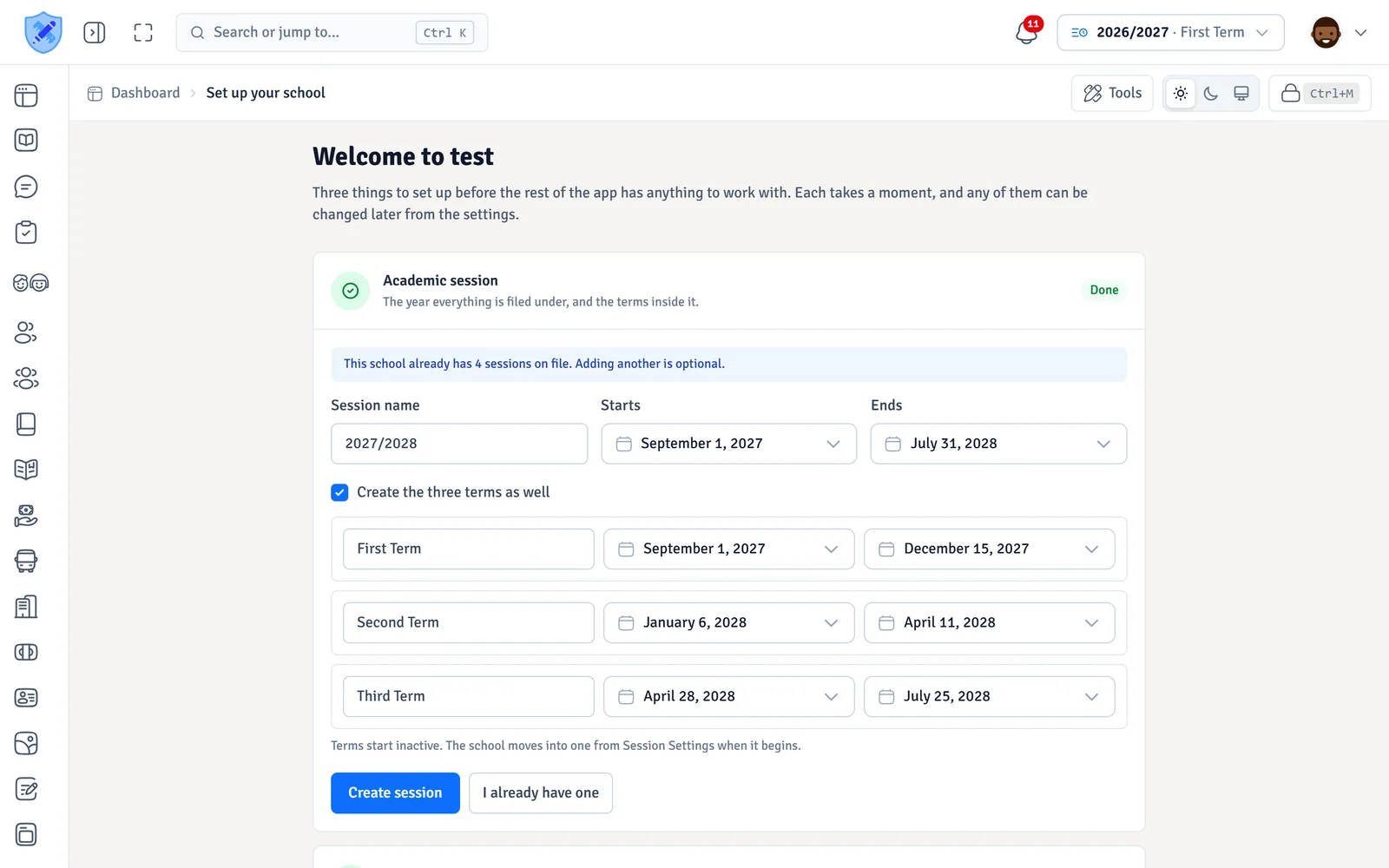
Four steps
The settings a school needs first, in one place.
Session, assessment types, classes and colours in one place.
Assessments ready. First C.A, Second C.A and Exam to start.
Classes from a starting point
Pick your school’s shape. SMS creates the classes.
Pick your school’s shape and SMS creates the classes.
Your pace
Skip a step. Nothing is lost.
Skip any step; nothing is lost and nothing is asked twice.
Part of one system
How School setup works with the rest of SMS
Setup fills in the settings the rest of SMS depends on.
- Sessions & terms
Sends: The academic session and its terms.
- Exams & results
Sends: Assessment types, starting from First C.A, Second C.A and Exam.
- Classes & subjects
Sends: Classes and sections from a standard Nigerian structure.
- Theme colour
Sends: Your school’s colour.
Nothing is lost. Sessions, assessment types, classes and colours can all be set later from their own settings pages.
Yes. The presets are a starting point; rename, add or remove classes and sections afterwards from Classes & subjects.
Get from installed to in use, quickly.
Set up the essentials once, then start taking registers.