
Library
Every book, from the shelf to the borrower.
One catalogue for lending copies and books for sale, with loans tracked and every charge billed to student fees.
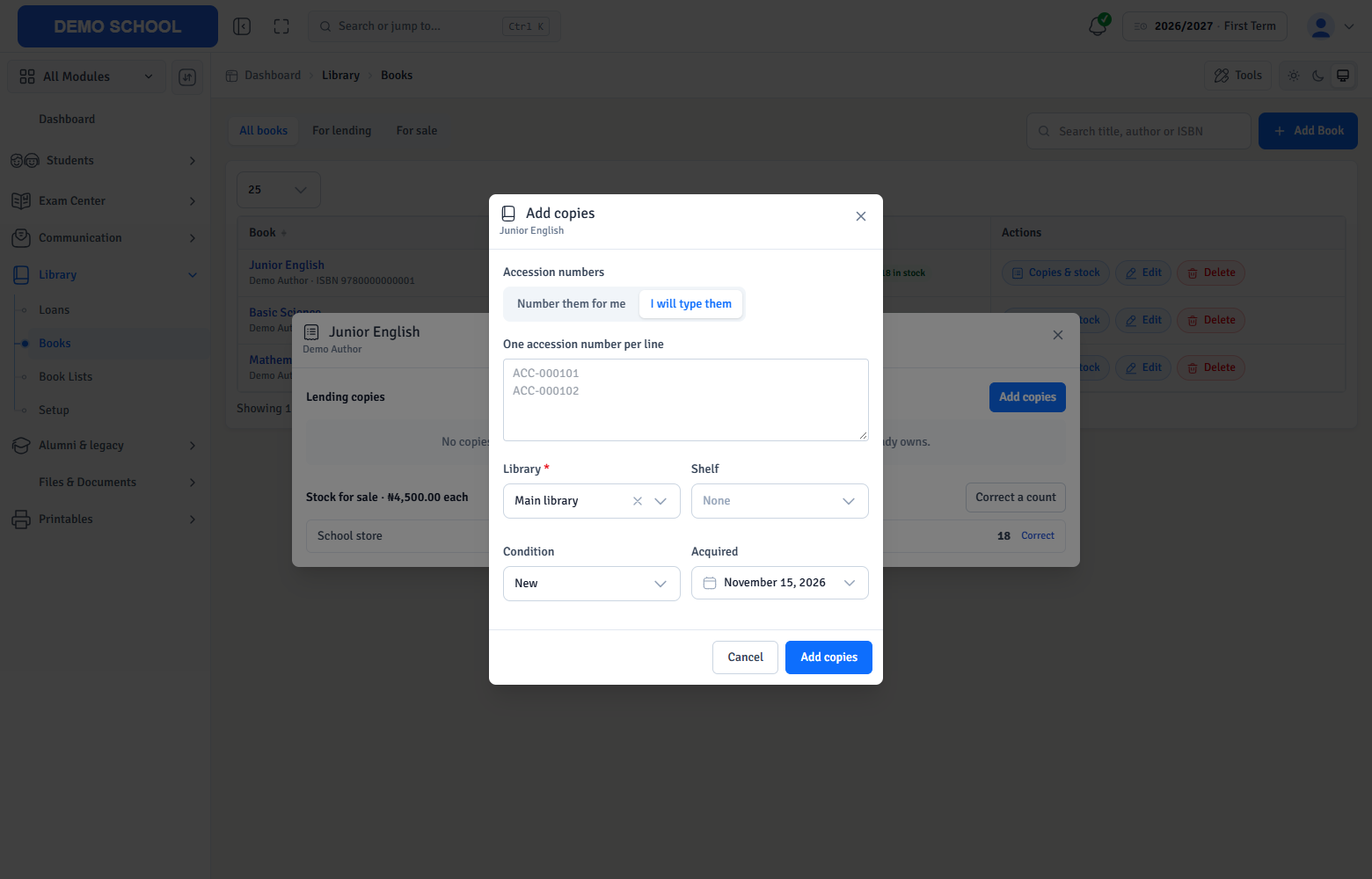
Books and copies
One title. Every physical copy accounted for.
Every title and every physical copy, lending and sale stock kept apart.
Lending and returns
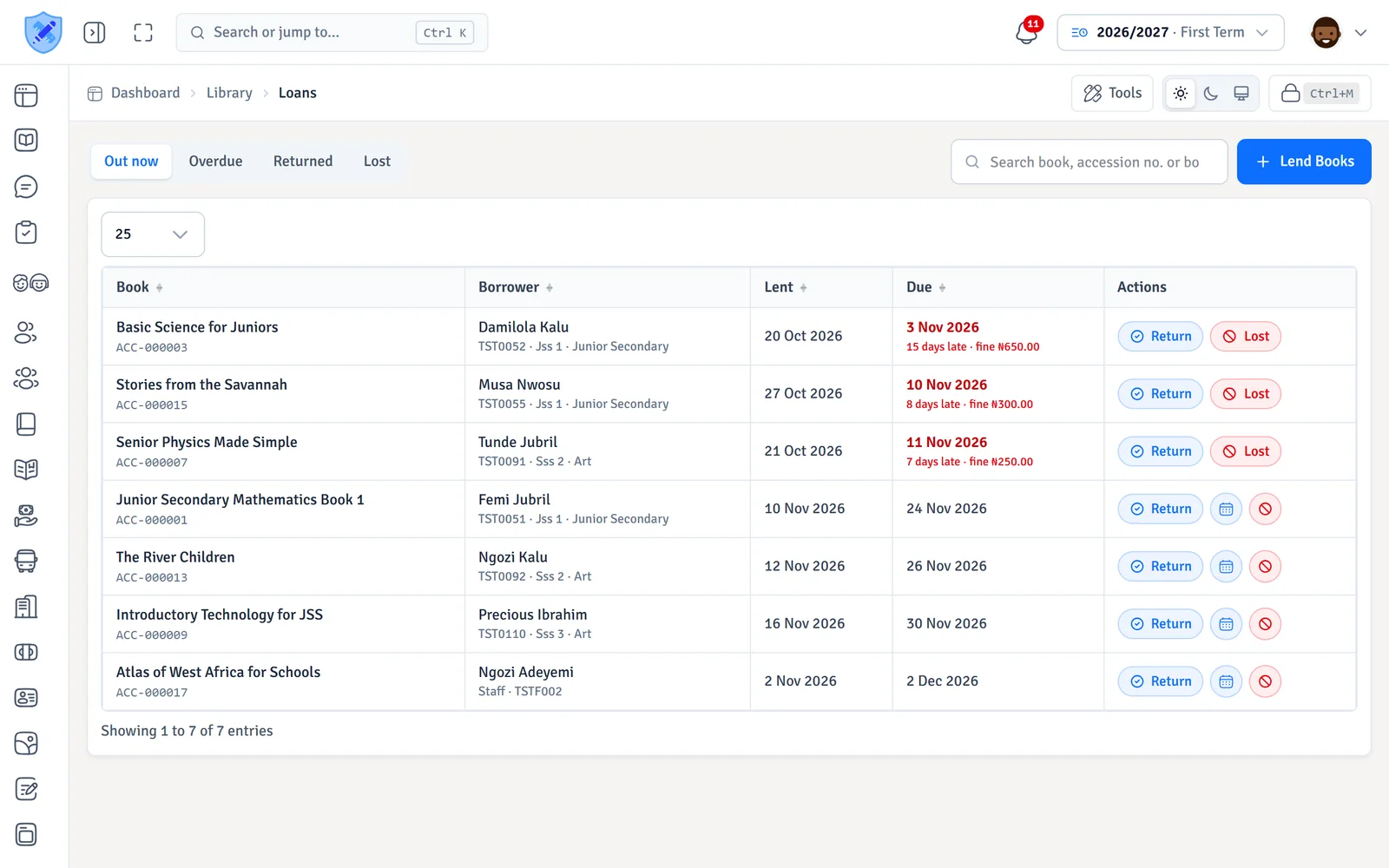
Know who has the book, and when it is due.
Know who has each book and when it’s due back.
Fines on the fee account. Overdue, lost or damaged charges reach the student’s invoice.
Sales and class lists
From a class book list to the books handed over.
Class book lists from allocation to the books handed over, charged to fees.
Purchases and reports
Follow the delivery, the stock and the cost.
New stock in as lending copies or sale stock, with cost and reports.
Part of one system
How Library works with the rest of SMS
The library bills through the student’s fee account, not its own till.
- School fees
Sends: Book sales and overdue, lost or damaged book fines, as named lines on the student’s invoice, such as “Overdue: Things Fall Apart (12 days)”.
- Classes & subjects
Receives: Classes for book lists, so a class’s books can be allocated together.
- Reports
Sends: The library report, listed with the school’s other reports.
Yes. Keep a distinct number for each physical lending copy. SMS checks for duplicates in the branch; a title’s ISBN identifies the title, rather than a particular copy.
Through their fee account. Student book sales, fines and replacement charges are collected through Fees.
No. The bill and the handover are separate. Mark the books as Given when they are handed over; the selected store must have enough stock.
Use library in Academium SMS.
Download Academium SMS, try a demo and choose the setup that fits your school.