
Document designs
One look across every document you print.
Your letterhead, report cards, ID cards and admission documents, designed your way and printed the same every time.
Letterhead
The top of every document, designed once.
Design the letterhead once and every document carries it.
ID cards
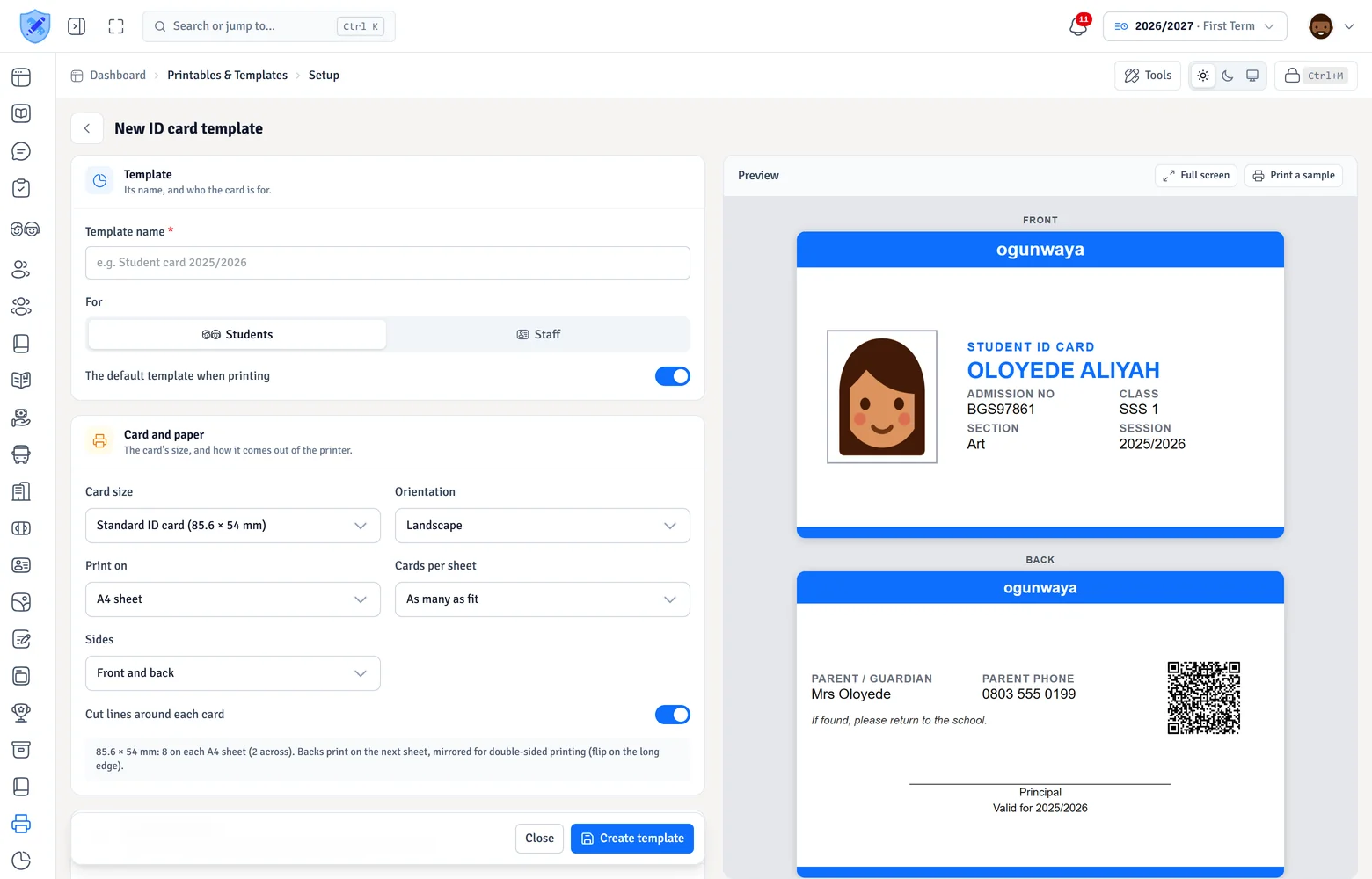
Student and staff cards, ready to cut or print.
Student and staff cards your way, ready to cut or print double-sided.
Admission form and letter
Forms that ask for what your school records.
Admission forms that ask exactly what your school records.
Report cards
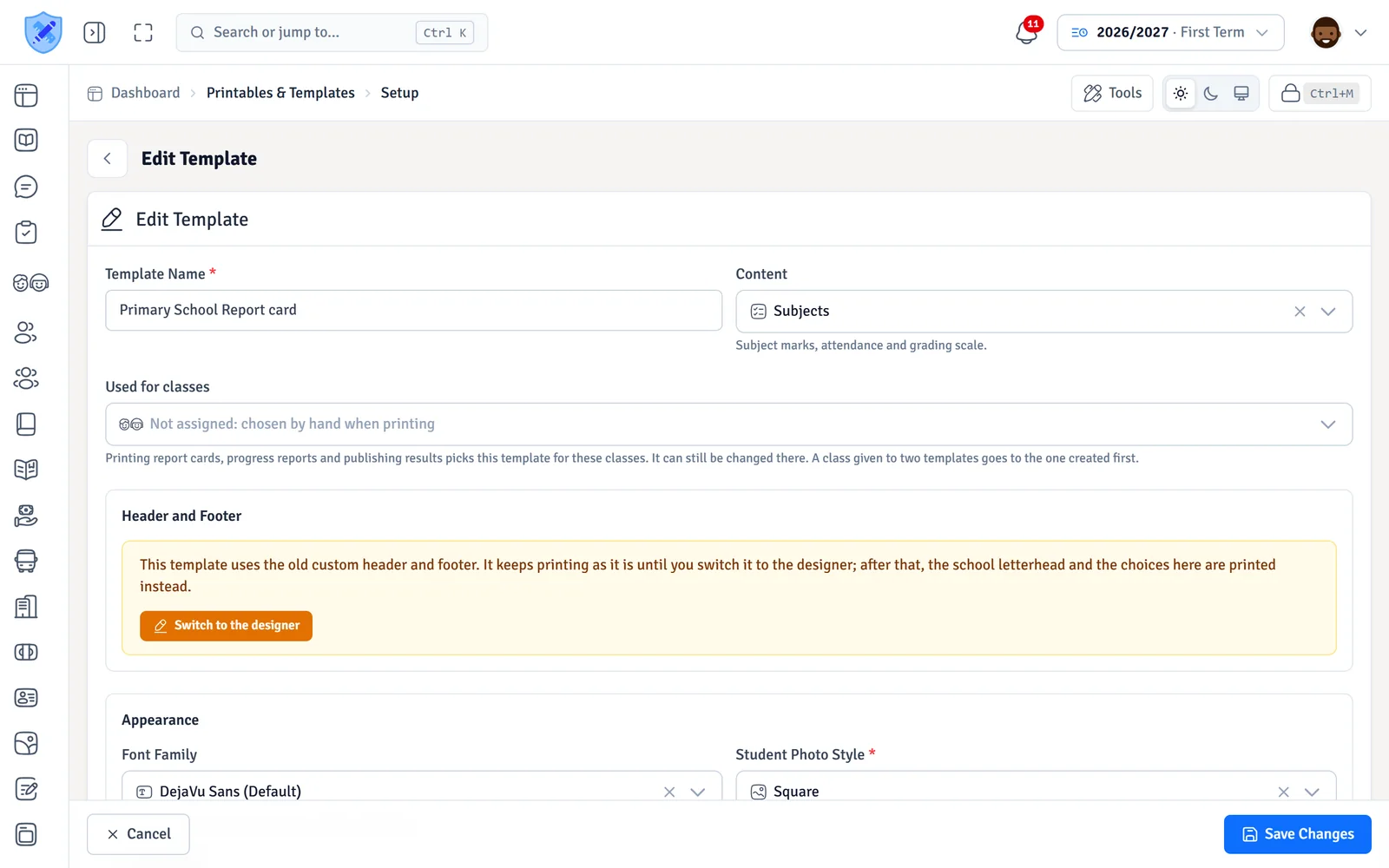
Header and footer, from parts.
Report card headers and footers from parts, signatures and stamps included.
Part of one system
How Document designs works with the rest of SMS
Each design is used everywhere that document appears.
- Printables
Sends: The designs every printed document uses.
- Result publishing
Sends: The report card design, used for the published copy too.
- Student records
Receives: Student fields and photos, and the field settings that decide what admission forms ask for.
- Exams & results
Receives: Marks, comments, signatures and stamps for the report card header and footer.
No. Designs are built from set options so every document prints reliably. You can add one image from your Resources library to the letterhead in a fixed position.
Every plan. Printables are always on.
Print documents that look like your school.
Set the letterhead once and every document follows.