
Communication
Every message, with the school’s records beside it.
A school mailbox that knows each parent, WhatsApp notices to the families who need them, and documents sent from where they’re made.
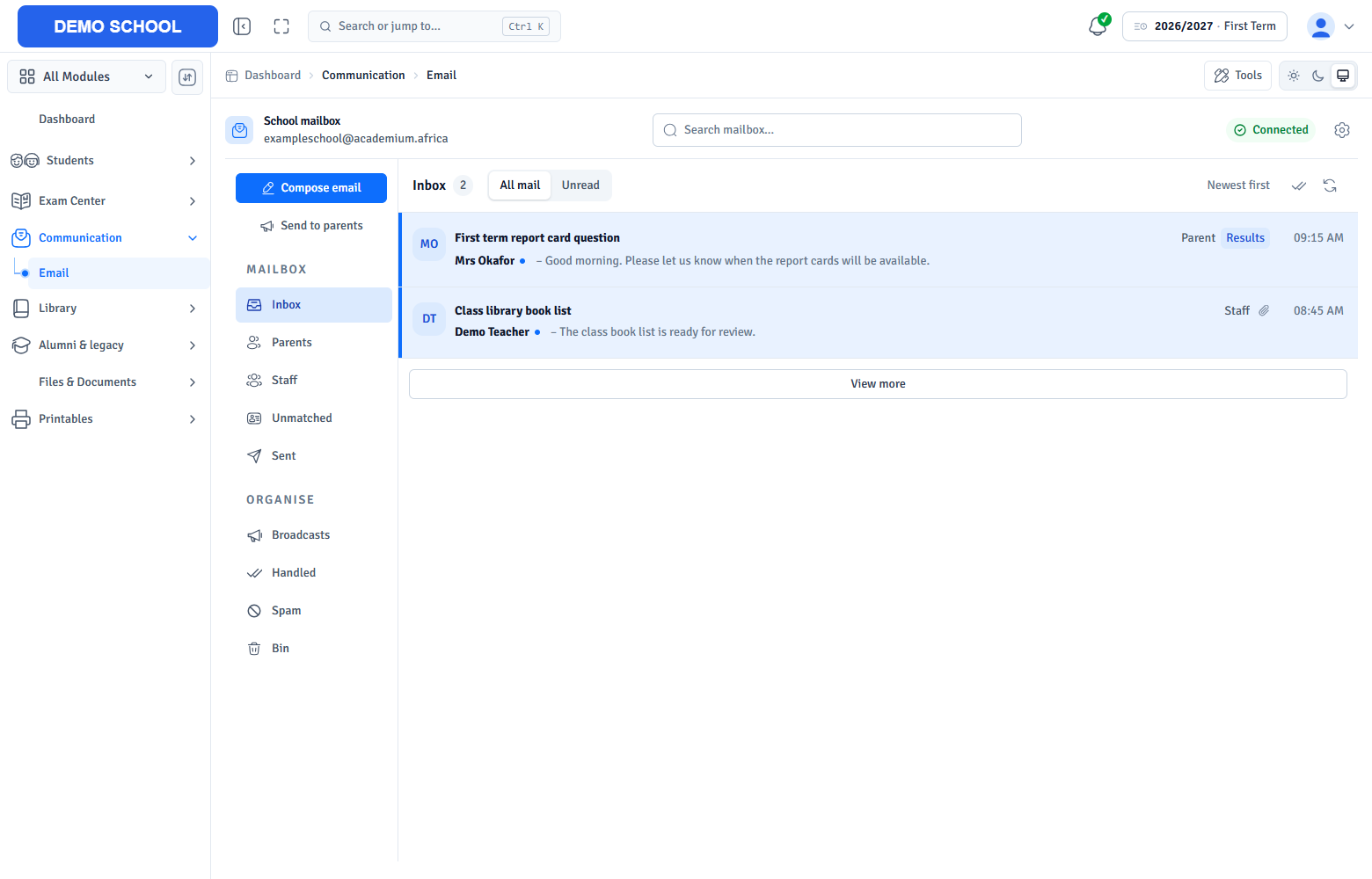
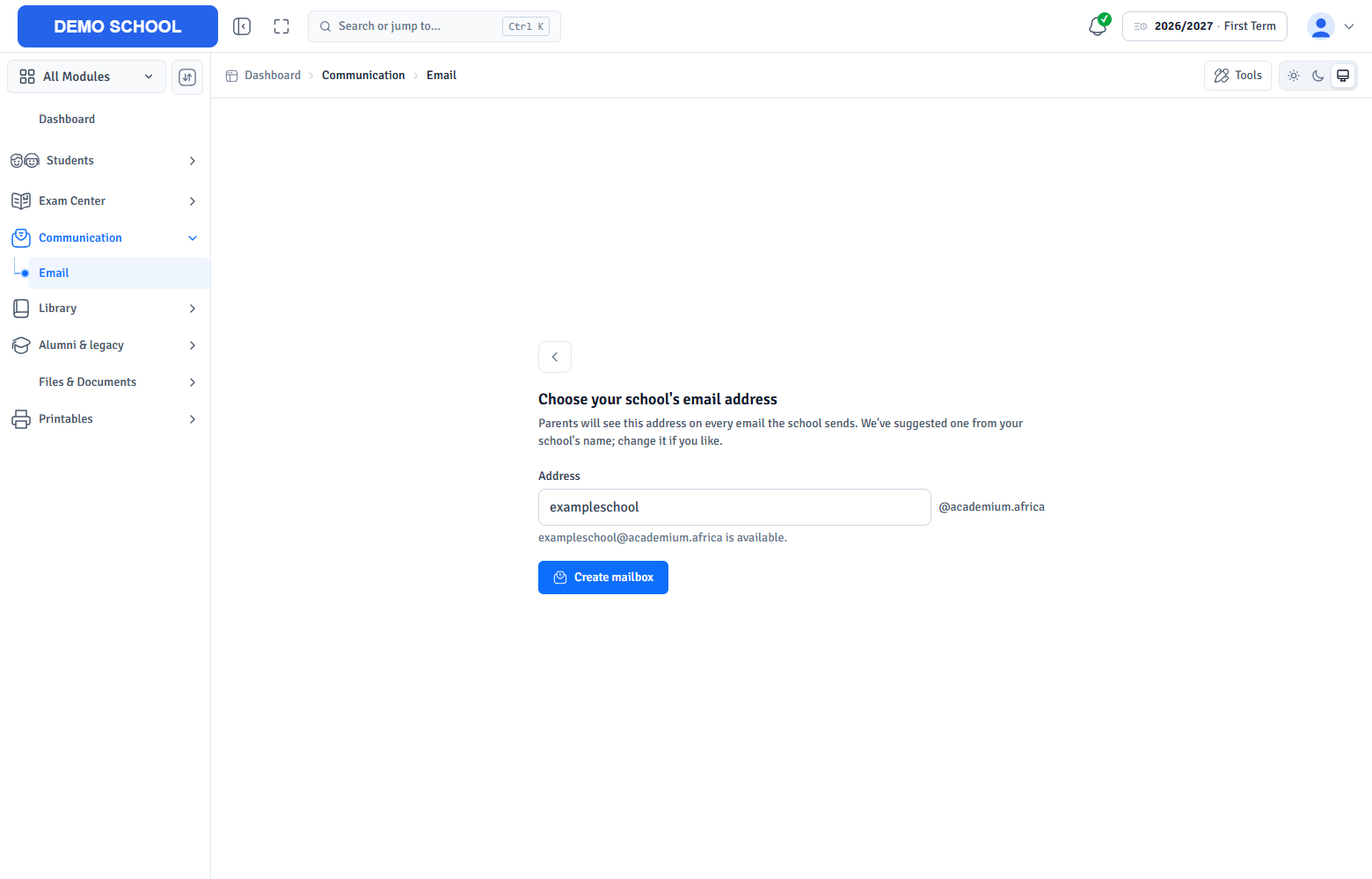
School address
An address families can reply to.
One shared school address families can write to and reply to.
A desk, not just an inbox
Know who is writing before you reply.
A parent’s message arrives with their children, what they owe and the latest results beside it.
Shared, and owned. Assign, note and close each conversation.
Portal requests too. Feedback from the parent portal lands here.
Only what each person may see. Hidden blocks never reach the screen.
Messages to families
Prepare the message for the people who need it.
Email the right parents by class, section or what they owe, each with their own copy.
WhatsApp notices
Reach parents where they already read.
WhatsApp notices to every parent, a class, or those owing fees, with the count shown before you send.
Paid as you send. From the school’s message balance.
Send records
The right document, with the right message.
Invoices, receipts and result links sent from the pages they’re made on.
Keep working. Sending runs in the background.
Part of one system
How Communication works with the rest of SMS
Communication reads the same records as the rest of SMS.
- Parents & families
Receives: Parent email addresses and phone numbers, and the children linked to each parent, for matching senders and choosing audiences.
- School fees
Receives: What each family owes, beside their messages and for “owing” audiences.
Sends: Invoices and receipts to parents, by email or WhatsApp.
- Exams & results
Receives: Each child’s latest result, beside a parent’s message.
- Result publishing
Sends: Each student’s result link to their parents on WhatsApp.
- Parent portal
Receives: Records requests and complaints or feedback from parents.
- Domain & website
Receives: Mail sent to your school’s own domain.
- Email design
Receives: Your school’s email design, for mail sent with the school’s template.
No. Communication, including the school mailbox and WhatsApp, comes with paid plans. WhatsApp messages are also paid for from the school’s message balance. Staff permissions and the mailbox’s limits still apply.
No. Existing mailboxes keep their saved address. The .africa domain is the default for newly created school mailboxes.
Text messaging is still to come; email and WhatsApp are available now. WhatsApp is one-way: replies do not come back into SMS, so use the school mailbox for conversations.
No. They receive the message in their own email inbox and can reply to the school address.
Reach families from the records you already keep.
Download Academium SMS, try a demo and choose the setup that fits your school.